
How to Search Cases by Name
Pick the court first, then search the name. That single choice decides where a San Jacinto County docket search lands. Felonies, major civil matters, and domestic cases sit in the 258th and 411th District Courts. District Clerk Tammy Currie holds those records. County Clerk Dawn Wright handles Class A and B misdemeanors. Her office also keeps probate, guardianship, and county-level civil files. A Class C citation usually answers to the justice precinct or city court that issued it. There is no single master index, so the office you choose shapes what you find.
Each clerk offers an online docket tool. The District Clerk links the LGS Online Records Search. The County Clerk connects a county judicial search through Odyssey. On both public landing screens, search fields can stay hidden until you pick an office or record type. Count on choosing a lane before the filters appear.
- Read the notice or citation and identify the named court.
- Choose the District Clerk, County Clerk, JP, or municipal route.
- Enter the last name and first name as accurately as possible.
- Narrow by office, record type, or date when the live system offers it.
- Open More Information or the docket entry, then confirm the match by cause number.
| Search detail | Use | Availability | Local note |
|---|---|---|---|
| Party name | Text | Portal dependent | Confirm spelling and identity from the case. |
| Office | Selection | LGS workflow | Choose the clerk that keeps the case. |
| Record type | Selection | LGS workflow | The county FAQ directs this choice. |
| Date or case type | Filter | Not guaranteed | Use only if shown in the live portal. |
San Jacinto LGS Guest Search
The District Clerk's linked online route is the official LGS landing page. Guest access works well for index data when you don't need an image. A registered account unlocks the full purchase workflow. Per the county FAQ, searching itself is free. But not every filing image is free or open to the public.
The manifest view on that page reflects the guest interface rather than any private case. That's why account controls appear before local case filters.
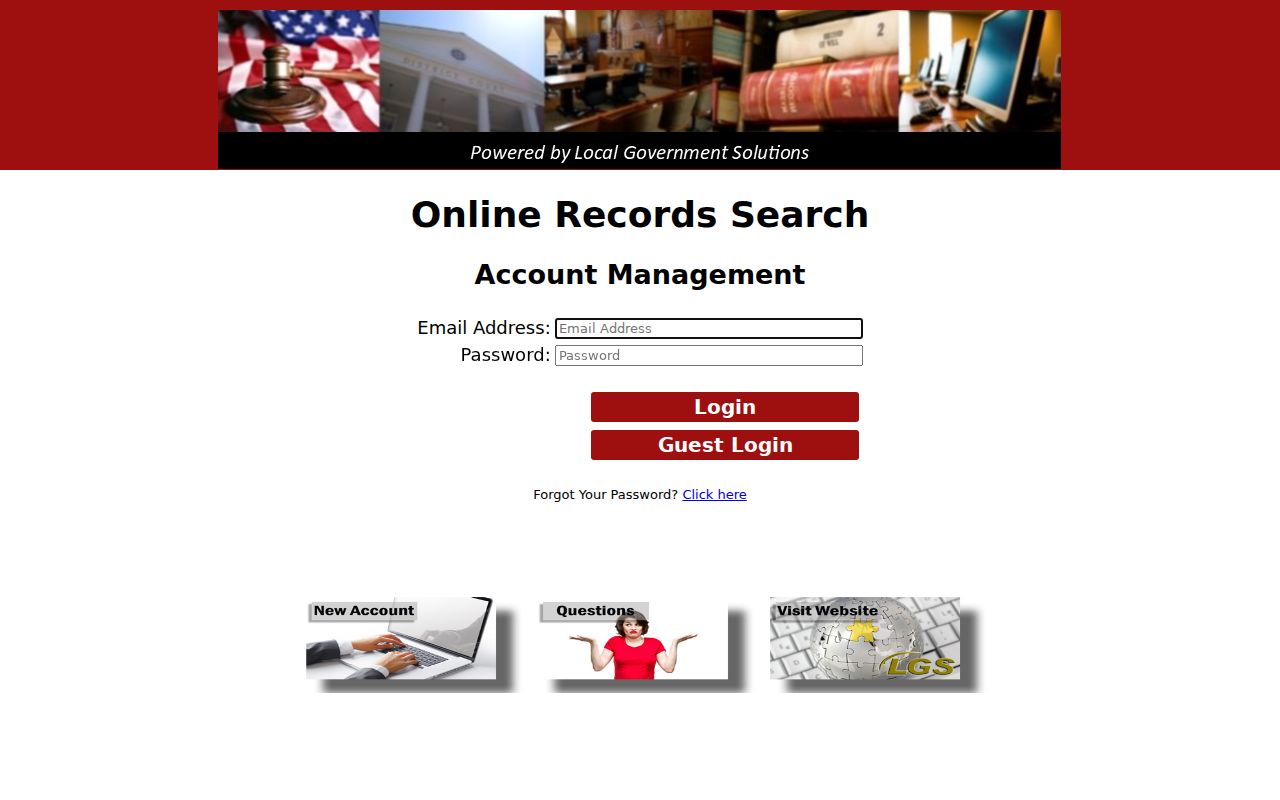
Once you're in, choose the correct office and record type. From there, a result may offer More Information, Images, a preview, or a purchase option, depending on your access.
How to Search by Case Number
An exact cause number is the strongest local key. San Jacinto County’s County Clerk notice says staff will retrieve a specified criminal, civil, or probate record when the requester supplies an existing cause number and enough matching detail. It also says the office will not perform an open-ended judicial search or certify a broad name-only finding. Write the cause number exactly as it appears on a citation, pleading, order, bond paper, or notice.
The research did not establish one universal format across all San Jacinto County courts. Use CAUSE NUMBER AS PRINTED, including every dash, letter, and leading zero. A District Court number, County Court number, JP cause number, and municipal citation number may follow different patterns. If the portal rejects it, remove only spacing that the form says to omit. Do not guess a prefix.
San Jacinto Cause-Number First
A broad query can come up empty even when a public record exists. The wrong clerk, a spelling variation, older indexing, a restricted case, or a lag between systems can all hide the result. So fall back on something concrete: find the court name and cause number on the newest court paper, then contact that court's custodian.
Quick answer: County Clerk staff need a specified case, document, or page reference. District Clerk copy requests are not accepted by email.
The County Clerk sits in Room 2 at 1 State Hwy 150, Coldspring, Texas. The phone is 936-653-2324. The District Clerk is in Room 4 at the same address, phone 936-653-2909. Public computers are available at the County Clerk's office during posted hours. The computer room closes 15 minutes before the office does.
What a San Jacinto Case Search Shows
Treat any result as an index lead, not a legal conclusion. Depending on the court and system, it may show the cause number, case style, court, case type, filing date, status, settings, event titles, and disposition. A filing title never reveals the full text. A setting doesn't prove a hearing took place. And a payment entry doesn't necessarily show a signed disposition.
| Cause number | The court’s key for the case and all follow-up. |
|---|---|
| Style or parties | The caption and roles, subject to redaction or restriction. |
| Court and type | The venue and category that identify the custodian. |
| Filed date | The intake date shown by that system. |
| Status or disposition | A short label to check against the signed order. |
| Events and settings | History and possible future dates, which can change. |
Need an authenticated copy? Move from the search result to the proper San Jacinto County court record request.
San Jacinto Account Controls
The official LGS account screen shows Email Address, Password, Login, Guest Login, New Account, and Forgot Password controls. A guest can search index data and, where offered, preview an image. A registered user can buy a public image through the cart and download process.
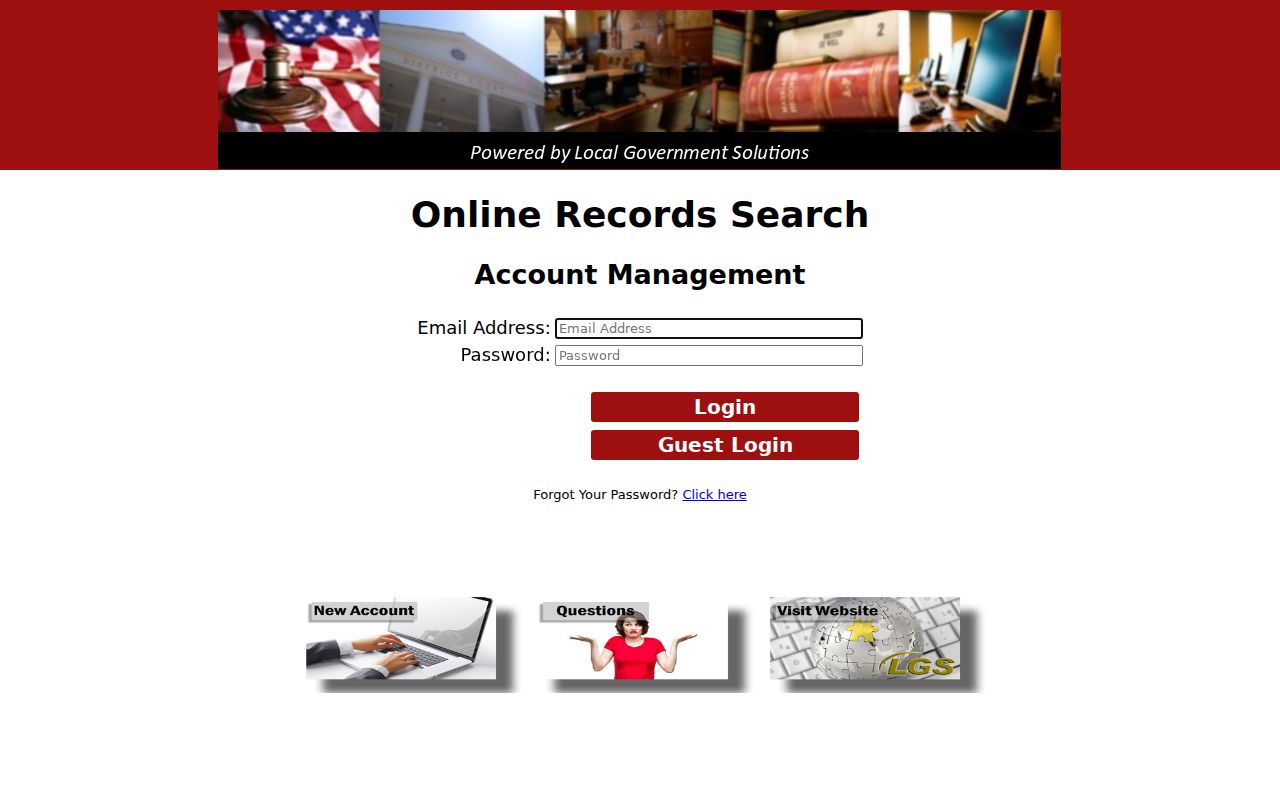
Registering is not a court order granting access. Sealed, juvenile, in-camera, or otherwise restricted material can stay off limits even after login.
County vs Statewide Case Search
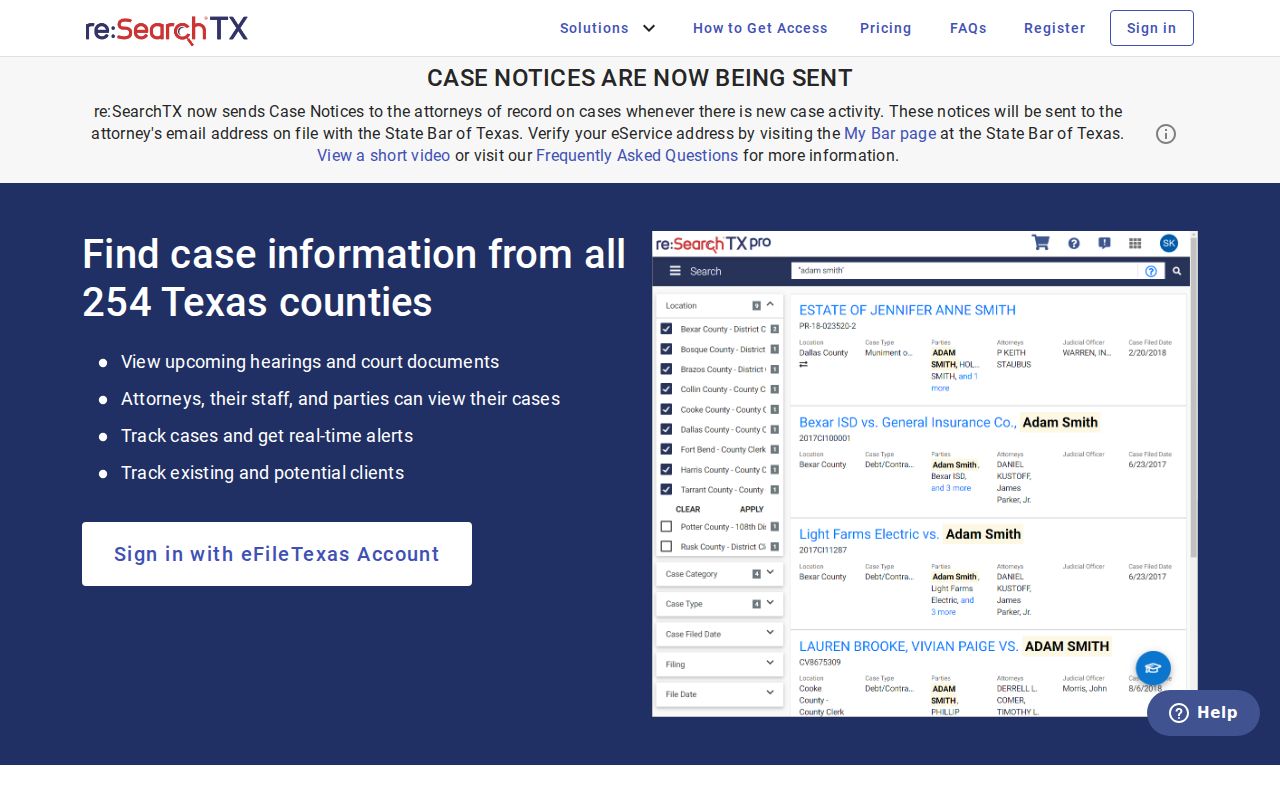
For San Jacinto County trial cases, local portals are the practical first stop. re:SearchTX adds a statewide electronic layer for registered public users, though participation, case types, and document depth vary. TAMES is a different animal entirely. It covers Texas appellate cases and directs users to re:SearchTX or the clerk for trial records.
| re:SearchTX statewide layer | San Jacinto County routes |
|---|---|
| Search across participating Texas courts. | LGS for district records and Odyssey for county categories. |
| Useful when the county is uncertain. | Best when court and cause number are known. |
| Coverage and document access vary. | The clerk supplies official certified copies. |
| Not the same as eFileTexas. | County pages also show date-specific sessions. |
The systems can supplement one another. Neither replaces the custodian of the source record.
San Jacinto State Search Layer
The official re:SearchTX portal offers Texas case and document access through an account workflow. A 2024 Texas Judicial Council report described the statewide integration but noted that coverage grew over time. A missing San Jacinto County result means check the local clerk, not that no case exists.
eFileTexas serves permitted filers making submissions. It is not a public index, and it doesn't guarantee the same records as re:SearchTX, LGS, or Odyssey.
Restricted Cases and Access Rules
Some filings stay closed even when the docket itself is public. Texas Rule of Civil Procedure 76a sets out how civil court records get sealed. Juvenile records carry extra protection under Texas Family Code Chapter 58. So a San Jacinto County docket entry may tell you an order exists. But the underlying filing stays hidden. Redactions are common too. Identifiers, medical data, financial details, and protected addresses often come out. That happens before anyone sees the file.
Access works differently for judicial records. Texas Rule of Judicial Administration 12 controls those. Government Code section 552.0035 leaves judiciary information to Supreme Court rules or other law. Send your request to the office that actually holds the record. Describe it well enough to locate. A standard Public Information Act request to a county agency may not reach a court case file at all.
When a document is not viewable, ask the clerk why. It may be sealed, unscanned, or sitting in another office. Only the court or clerk can sort that out.
San Jacinto E-Filing Is Different
Attorneys who sue or defend in San Jacinto County file electronically through the official eFileTexas service. They use approved providers. The county's notice made civil e-filing mandatory for attorneys in 2016, with listed exceptions. Keep one thing clear, though. This system exists for filing, not for public case lookup. So it is not where you track a docket.
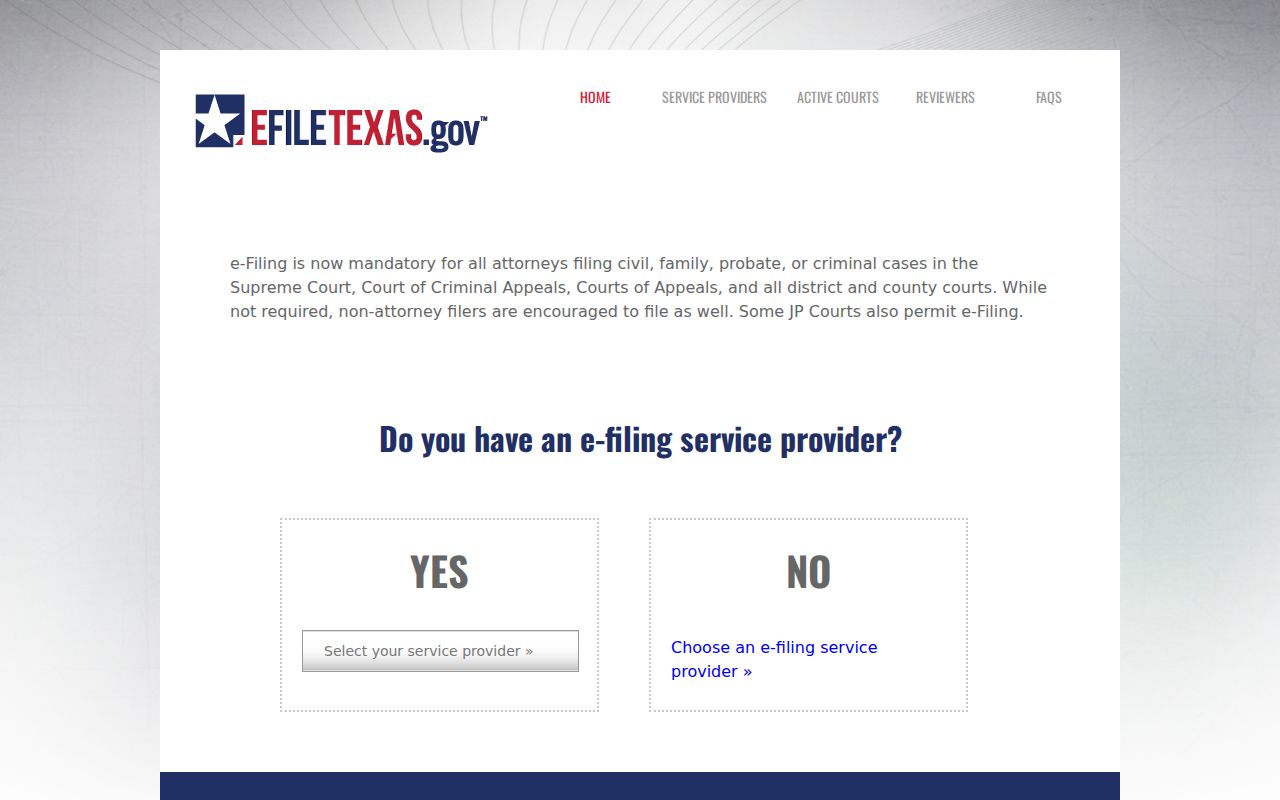
Not everything travels that road. Original wills, sealed or in-camera filings, and a few other materials follow special rules, and the notice exempts self-represented filers from the attorney mandate entirely. For confirmation of where the county stands, the active-courts table lists San Jacinto County's participation along with its limited-search status.
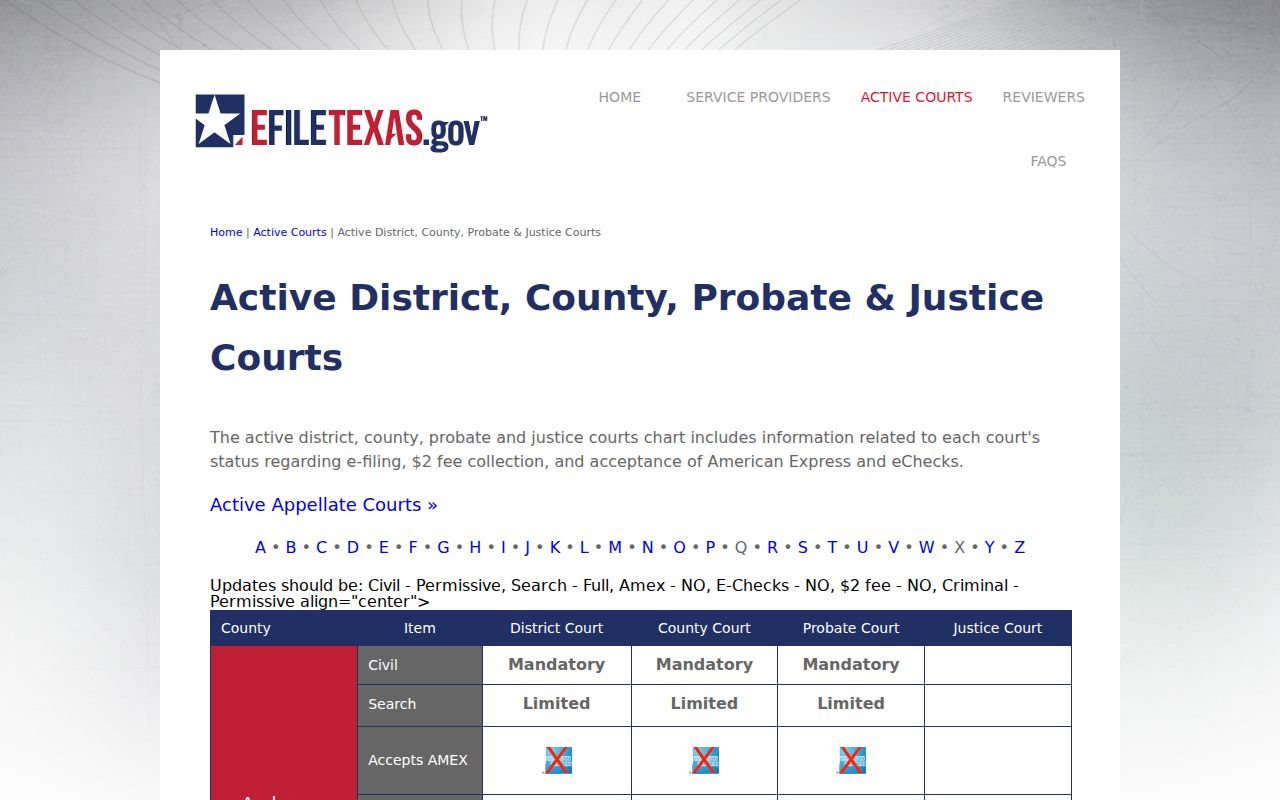
That status covers filing infrastructure only. It does not mean every San Jacinto County docket or document image opens through the same screen.